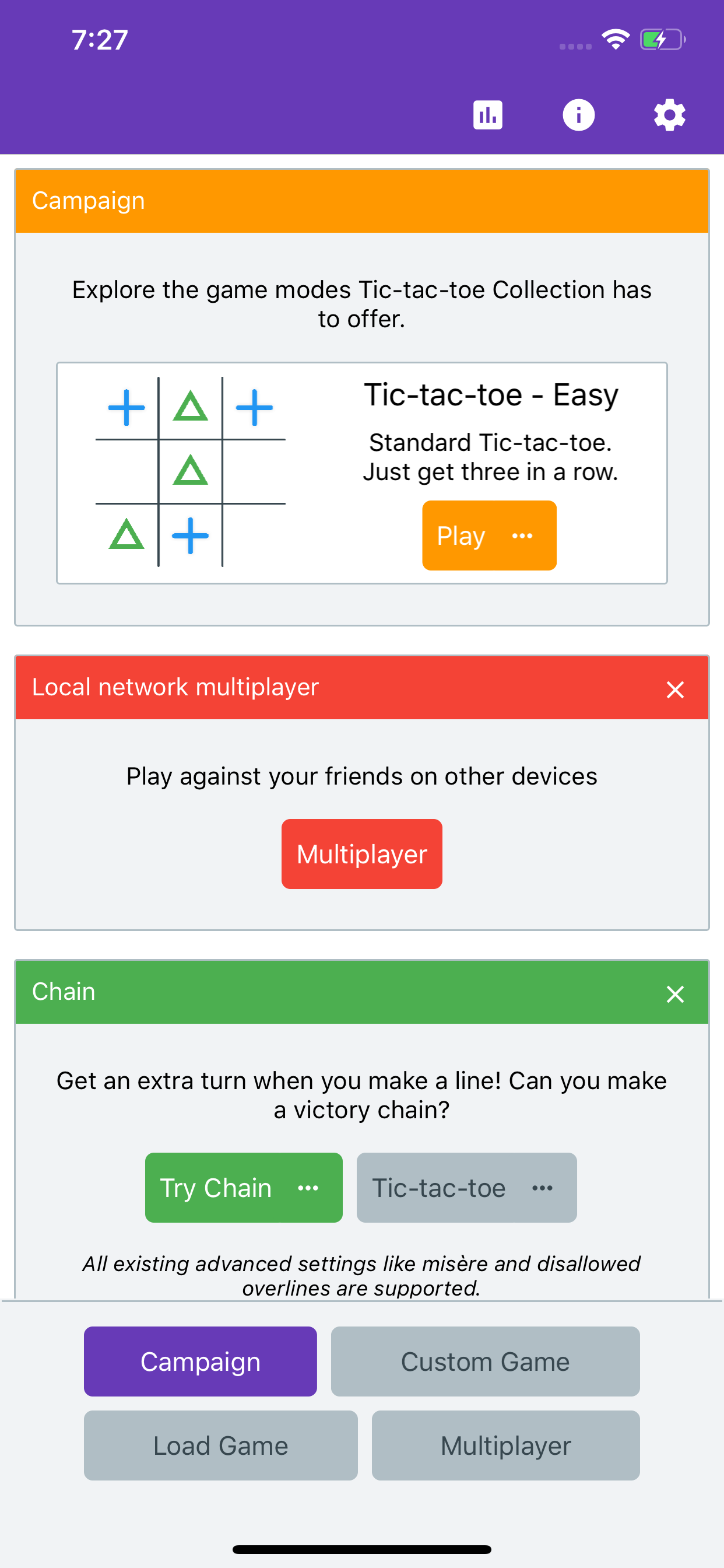
One of the features I have planned for Tic-tac-toe Collection is a player rating system.
One such common rating system is the Elo rating system, most famously used in chess. There is a lot of discussion about how good it is, but for my purposes it seems fine - at least as a starting point.
There are two fundamental restrictions on Elo that I would have to overcome though:
- It is limited to two players.
- It assumes each player has an equal chance of winning if they have equal skill.
Elo
First an introduction into how Elo rating works. There are two parts:
Given two player ratings, calculate an expected result.
The expected result is essentially the chance of winning, given as a decimal between 0 and 1, in which 0 represents a guaranteed loss and 1 a guaranteed win.
Given a player rating, an expected result, and an actual result, calculate how much the rating should change.
If you do better than expected then your score will go up. If you do worse then your score will go down. With a bigger difference there will be a bigger change.
Multiplayer
Simple Multiplayer Elo
I found an existing implementation of Elo for more than two players by Tom Kerrigan called Simple Multiplayer Elo.
In SME, players are ordered by performance, and then a simulated match is played between pairs of consecutive players, with the players’ ratings updated using the normal Elo method for two players.
This is certainly acceptable, and Tom includes some tests to show it works well. One oddity is if you get a victory over someone with a much higher rating than you, but also beat them by more than one place, you essentially don’t get the benefit for it. For example, consider the following result:
| Position |
Player |
Initial rating |
vs player above |
vs player below |
Total |
| 1st |
A |
1000 |
|
+24 |
+24 |
| 2nd |
B |
1200 |
−24 |
+27 |
+3 |
| 3rd |
C |
1500 |
−27 |
|
−27 |
Here, Player A with a rating of 1000 has beaten Player C with a rating of 1500, but essentially hasn’t gotten the credit for it.
My unnamed Elo
My solution is to conceptually run the algorithm on every pair of players (in this case there would be A v B, B v C and A v C). There is a straightforward optimization so that the estimating part of the operation does not directly depend on the other players, just the difference between a single player’s expected and actual scores. So the algorithm is actually:
- Calculate the expected scores for each pair of players.
- Sum the expected score for each player.
- Divide each score by the number of players to normalize back to the range 0 to 1.
- Calculate the rating change for each player using their actual score and the combined expected score.
The details
With the same data as above, the results are as follows:
| Player |
Initial rating |
Expected score |
| A |
1000 |
0.097 |
| B |
1200 |
0.304 |
| C |
1500 |
0.599 |
Which is made up of the following score pairs:
| Pair |
A |
B |
C |
| A v B |
0.24 |
0.26 |
|
| B v C |
|
0.15 |
0.85 |
| A v C |
0.05 |
|
0.95 |
This results in rating changes of:
| Position |
Player |
Initial rating |
Change |
| 1st |
A |
1000 |
+29 |
| 2nd |
B |
1200 |
−9 |
| 3rd |
C |
1500 |
−19 |
- Player A has gained more which is good. That was basically the goal of the change.
- Player B has now changed a small gain into a moderate loss. That’s a little odd and probably not desired, after all the victory against C should be more significant than the loss against A
- Player C has changed a big loss into a slightly smaller (but still big) loss. After some thought, that is probably reasonable. Although C is expected to win just having more players should generally reduce your expectation of winning and therefore how much you are penalized for failing.
Improvements
So why did these results happen? It might be better to look at a table also including expected and actual results, which reveals a choice that has to be made that I have not yet mentioned:
| Position |
Player |
Initial rating |
Expected score |
Actual score |
Change |
| 1st |
A |
1000 |
0.097 |
1 |
+29 |
| 2nd |
B |
1200 |
0.304 |
0 |
−9 |
| 3rd |
C |
1500 |
0.599 |
0 |
−19 |
Notice the actual scores used. Player A has a score of 1 indicating a win. Players B and C have a score of 0, which indicates a loss, but an equal loss.
If we instead use different values for the actual score we get a more sensible result
| Position |
Player |
Initial rating |
Actual score |
Change |
| 1st |
A |
1000 |
0.67 |
+18 |
| 2nd |
B |
1200 |
0.33 |
+1 |
| 3rd |
C |
1500 |
0 |
−19 |
In this case, the “actual score” for a player placed Nth out of C is:
Explain this formula
This formula is conceptually simple, but a bit opaque when simplified.
Think of it as each player getting a number of shares of the total score. The person in last gets 0 shares, the person second from last gets 1 share, then next player gets 2 shares, and so on. The person in first place gets C−1 shares.
That means each player gets N shares and the total number of shares is equal to the C−1th Triangular number.
The formula for a triangular number is:
Substituting C-1:
This simplifies to:
Therefore each player gets:
which simplifies to:
Handling ties
To be as general as possible (and because it actually happens in some of my multiplayer Tic-tac-toe variants) we need to handle arbitrary ties.
The simplest way is to evenly distribute the score to all the players that are tied. So if the top two players in a three-player game tie, their scores of 0.67 and 0.33 are summed and split between them (0.5 each).
As a more complex example, consider:
| Position |
“Raw” score |
Actual score |
| 1st |
0.286 |
0.262 |
| 1st |
0.238 |
0.262 |
| 3rd |
0.190 |
0.143 |
| 3rd |
0.143 |
0.143 |
| 3rd |
0.095 |
0.143 |
| 6th |
0.048 |
0.048 |
| 7th |
0 |
0 |
Final thoughts
I’ve addressed the first restriction of Elo, only supporting two players. As for unfair games, that will have to wait as this post is long enough as it is.